
Telenor Call Diverting Code 2026
Stuck in a meeting, low on signal, or simply swapping SIMs for the day — none of that should mean missing a call that actually matters. Telenor's call diverting feature routes every incoming call to a number you choose, and it only takes one short code to switch on.
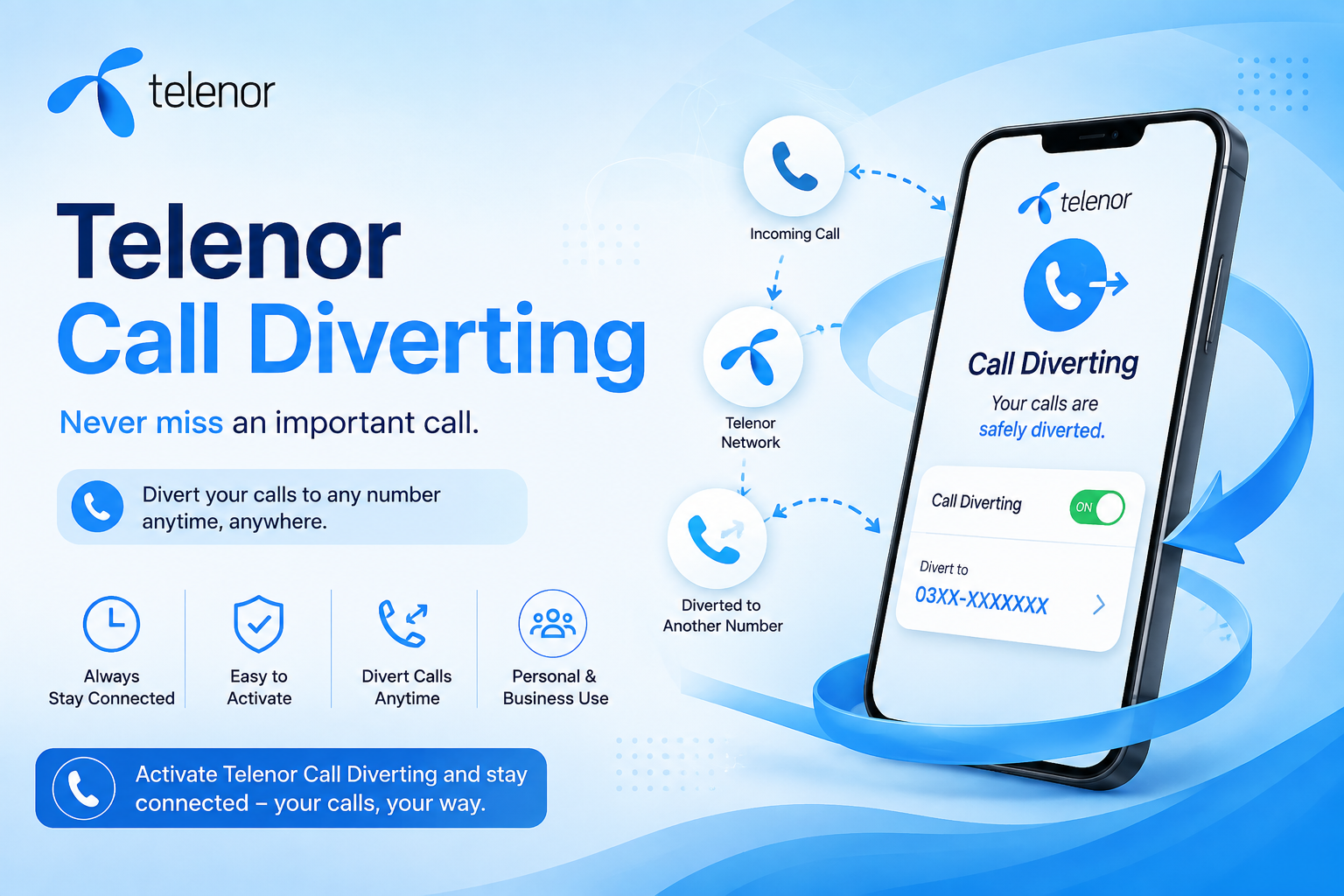
Replace "Number" with the destination number and dial — every incoming call now rings there instead.
What You Need Before Diverting Calls
- An active Telenor prepaid connection. You can verify your account details anytime on Telenor's official website.
- A phone capable of forwarding calls when busy or unreachable — nearly every handset supports this.
- A live network signal at the moment you dial the code.
Other Pakistani networks, including Jazz and Ufone, offer a version of this same feature — covered further down this guide.
Turning On Call Diverting
Every diversion type follows the same pattern — dial the code, add the destination number, and end with a hash.
Example: this diverts every incoming call straight to the number 03458383849.
| Diversion Type | Activation Code | When It Applies |
|---|---|---|
| Forward all calls | **21*Number# | Every incoming call, no exceptions |
| Forward when busy | **67*Number# | Only when your line is already busy |
| Forward when not answered | **61*Number# | Only if you don't pick up in time |
| Forward when unreachable | **62*Number# | Phone switched off or out of coverage |
A confirmation message lands on your screen right after dialing, letting you know the diversion is live.
Cancelling Call Diverting
| Action | Code |
|---|---|
| Cancel all call forwarding at once | ##002# |
| Cancel one specific type | ##21# / ##61# / ##62# / ##67# |
A confirmation appears on screen right after dialing, confirming the diversion has been switched off.
Every Scenario at a Glance
| Scenario | Activate | Deactivate |
|---|---|---|
| Always Forward | **21*Number# | ##21# |
| Busy | **67*Number# | ##67# |
| No Answer | **61*Number# | ##61# |
| Unreachable | **62*Number# | ##62# |
| Cancel Everything | — | ##002# |
What Call Diverting Actually Solves
Never miss an important call by redirecting it to a number you'll actually answer.
Keep receiving calls even while actively using a second SIM.
Handy for anyone juggling a business line and a personal one.
Stay reachable while traveling or stepping outside your usual network coverage.
Setting It Up Without Dialing a Code
Prefer a visual menu over remembering star-and-hash sequences? Your phone's own settings handle it just as well.
- Open your phone's Settings app.
- Tap into Call Settings.
- Select Call Forwarding.
- Choose the condition you want (busy, unreachable, no answer, or always).
- Enter the destination number and confirm.
Call Diverting on Other Pakistani Networks
Jazz Call Forwarding
| Service | Code |
|---|---|
| Divert to a fixed number | *21*0300786# |
| Divert to any number | *21*Number# |
| Unsubscribe (single) | ##21# |
| Unsubscribe (all) | ##002# |
Zong Call Forwarding
| Service | Code |
|---|---|
| Divert to a number | **67*Number# |
| Unsubscribe | ##67# |
Ufone Call Forwarding
| Service | Code |
|---|---|
| Divert to a number | **004#Number# |
| Unsubscribe | ##004# |
Whichever network you're on, the helpline can also switch this setting on or off for you — a quick call, no code memorization needed.
Terms Worth Keeping in Mind
- Call diverting is available strictly for prepaid customers.
- Pricing can shift between billing cycles depending on network policy.
- Every diversion type here can be switched on or off purely through mobile network codes.
- Check your network's official channels for the most current pricing.
Fixing Common Call Diverting Problems
Code Not Working
Double-check the exact format, including every star and hash. Also confirm you have decent signal strength before dialing again.
Calls Not Being Forwarded
Cancel everything with ##002#, then set the diversion up again from scratch — a fresh activation usually resolves it.
Wrong Number Entered
Clear all forwarding with ##002# and re-enter the correct destination number carefully.
Forwarding Fails When the Phone Is Off
Make sure you activated the unreachable condition specifically — that's **62*Number#, not the busy or no-answer versions.
Conclusion
Telenor's call diverting feature exists for exactly the moments when you can't personally answer — a meeting, a low-signal area, or a second SIM in use. Dial **21*Number# to route every call somewhere you'll actually pick up, and you'll never leave an important call unanswered again.
FAQs — Telenor Call Diverting Code
It cancels every active call forwarding setting on your Telenor number in one go.
It checks the status of your "forward when not answered" call diverting setting.
It checks whether call forwarding for unreachable or switched-off status is currently active.
Dial ##002# to cancel all types at once, or use the specific deactivation code for just one type.
Calls sorted —
Now take today's Telenor Quiz and win free MBs & minutes.