
Telenor Balance Save Code 2026
Finished your bundle days ago, yet your balance keeps quietly shrinking? That's background apps eating into your credit unnoticed. One short code locks that leak completely — here's the fastest way to stop it for good.
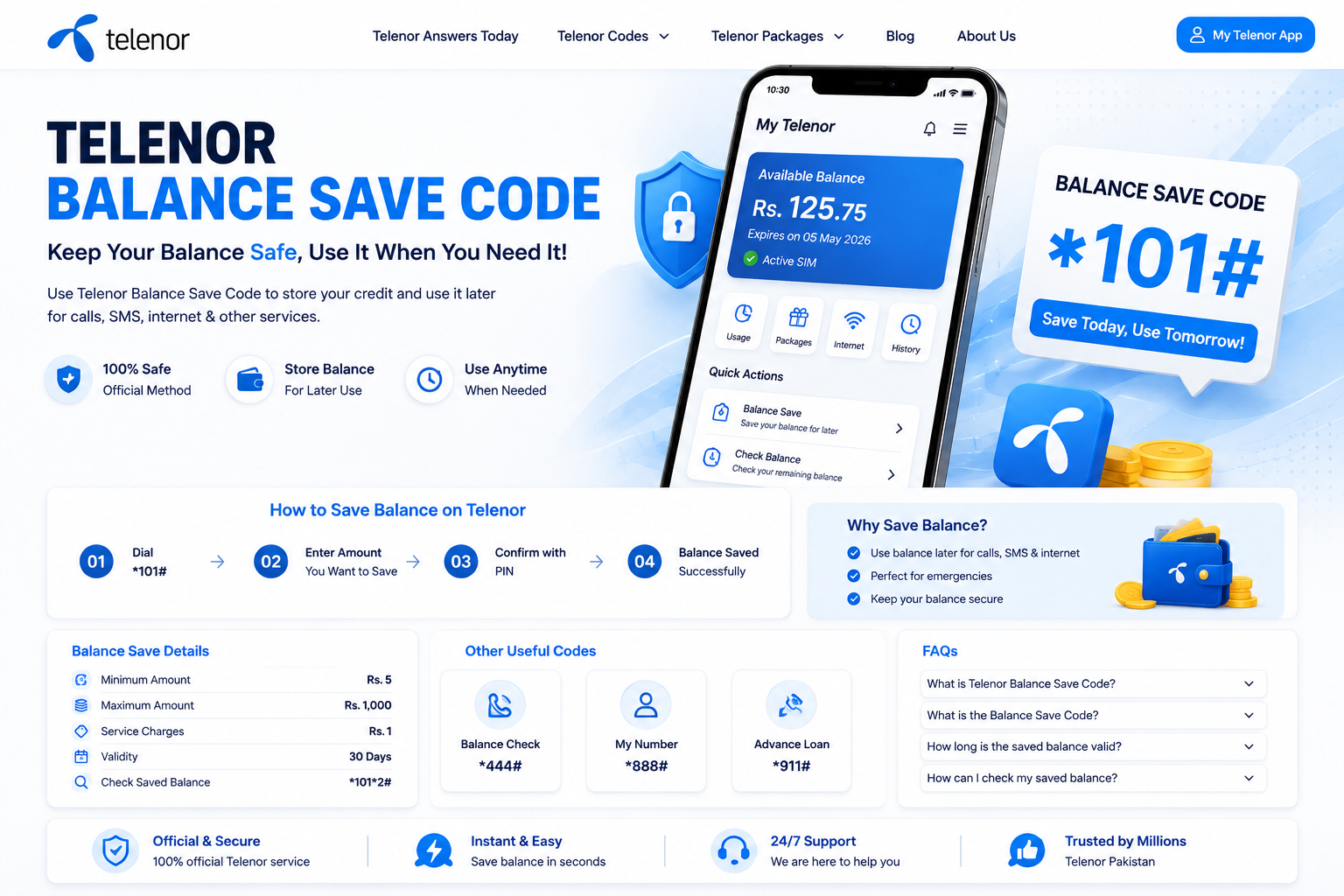
Dial this once and your remaining balance stays untouched until you activate a new bundle.
What the Balance Save Code Actually Does
Telenor's balance save code is a switch, not a top-up — it doesn't add anything to your account, it simply stops background apps and expired bundles from silently pulling rupees off your SIM. Once activated, your remaining credit sits frozen until you deliberately buy a new package. You can confirm your live balance anytime via Telenor's official website.
It's especially useful right after a bundle expires, when phones tend to keep browsing, syncing, and refreshing in the background without asking permission — and that's exactly when unexpected deductions happen.
Why Does Your Balance Disappear in the First Place?
Most users only notice the drop after scrolling through social media with "leftover" data that quietly wasn't there anymore. A few patterns are almost always behind it:
Apps running in the background keep pulling small amounts of data without any visible notification.
Not tracking your usage means you never see the MBs draining until it's already gone.
Once your bundle expires, Telenor switches to standard per-MB and per-minute rates automatically.
There's no built-in alert when your package runs out, so deductions happen quietly overnight.
Every Way to Protect Your Balance
Not every method suits every situation — here's a side-by-side comparison so you can pick the right one for your case.
| Method | Code / Action | Validity | Price | Best For |
|---|---|---|---|---|
| Balance Save Lock | *7799# | Until deactivated | Free | Blocking usage the moment data ends |
| Bill Shock Offer | *503# | 30 days | Rs. 5 | Emergency MBs after a bundle expires |
| Manual Lock via Helpline | Dial 345 | As needed | Free | Users whose code isn't responding |
| Balance & MB Check | *444# / *999# | Instant | Free | Monitoring what's left before it runs out |
| In-App Data Saver | My Telenor App | Customizable | Free | Stopping background consumption directly |
Activating *7799# — Step by Step
Open your phone's dial pad.
Type *7799# exactly, then press call.
Follow the on-screen prompt to confirm.
Wait for the confirmation SMS — your balance is now locked.
The Telenor Bill Shock Offer
Picture it as a safety net for exactly Rs. 5 — enough emergency MBs to send a WhatsApp message or pull up Google Maps without draining your locked balance. It's not meant for streaming or heavy browsing, just enough to get you out of a tight spot.
Quick Facts
Can't Use the Code? Try the Helpline
If *7799# isn't going through — some older SIMs behave inconsistently with USSD shortcuts — a quick call to 345 solves it just as well. Ask the representative to "lock my balance" or "stop unexpected data charges" and they'll apply it manually from their end.
- Codes occasionally behave differently on older SIM cards.
- The helpline can also spot a hidden paid subscription silently draining your account.
Habits That Keep Your Balance Safe Long-Term
- Check your consumption directly from the My Telenor app every couple of days.
- Close or restrict apps that keep refreshing in the background.
- Turn off automatic app updates over mobile data.
- Get in the habit of dialing *444# or *999# before you assume you're covered.
Want fresh Telenor Quiz answers every day? Bookmark this page or subscribe to notifications so you never miss an update.
Fixing the Most Common Balance-Save Problems
USSD Code Not Responding
Poor signal or a brief server delay is usually the cause. Wait a few minutes and retry, or restart your phone before dialing again.
Saved Balance Isn't Reflecting Yet
Give it a short while — the lock can take a few minutes to register. Check the My Telenor app to confirm before assuming it failed.
Trouble Unlocking Your Saved Balance
Double-check you're entering the correct release sequence and amount. If it still won't release, Telenor support on 345 can complete it manually.
Conclusion
The Telenor Balance Save Code 2026 is the simplest way to stop your credit from vanishing between recharges. Dial the free *7799# code, or lean on the Rs. 5 Bill Shock Offer when you need a short emergency buffer — either way, a few seconds of setup saves you from a lot of unnecessary frustration.
FAQs — Telenor Balance Save Code
Dial *7799# — it's Telenor's free code to lock your remaining balance from being deducted.
It activates the Bill Shock Offer — Rs. 5 for 30 days of emergency MBs after your bundle expires.
Dial *444# for your rupee balance or *999# for remaining internet MBs.
Once your data bundle runs out, background apps continue using the internet at standard per-MB rates unless the balance is locked.
Balance locked — nice.
Now take today's Telenor Quiz and win free MBs & minutes.