
Telenor Balance Check Code 2026
Running out of load mid-conversation is one of those small annoyances almost every Telenor user has dealt with at least once. The good news: checking what's left in your account takes under ten seconds once you know the right code — no internet, no app login, nothing complicated.
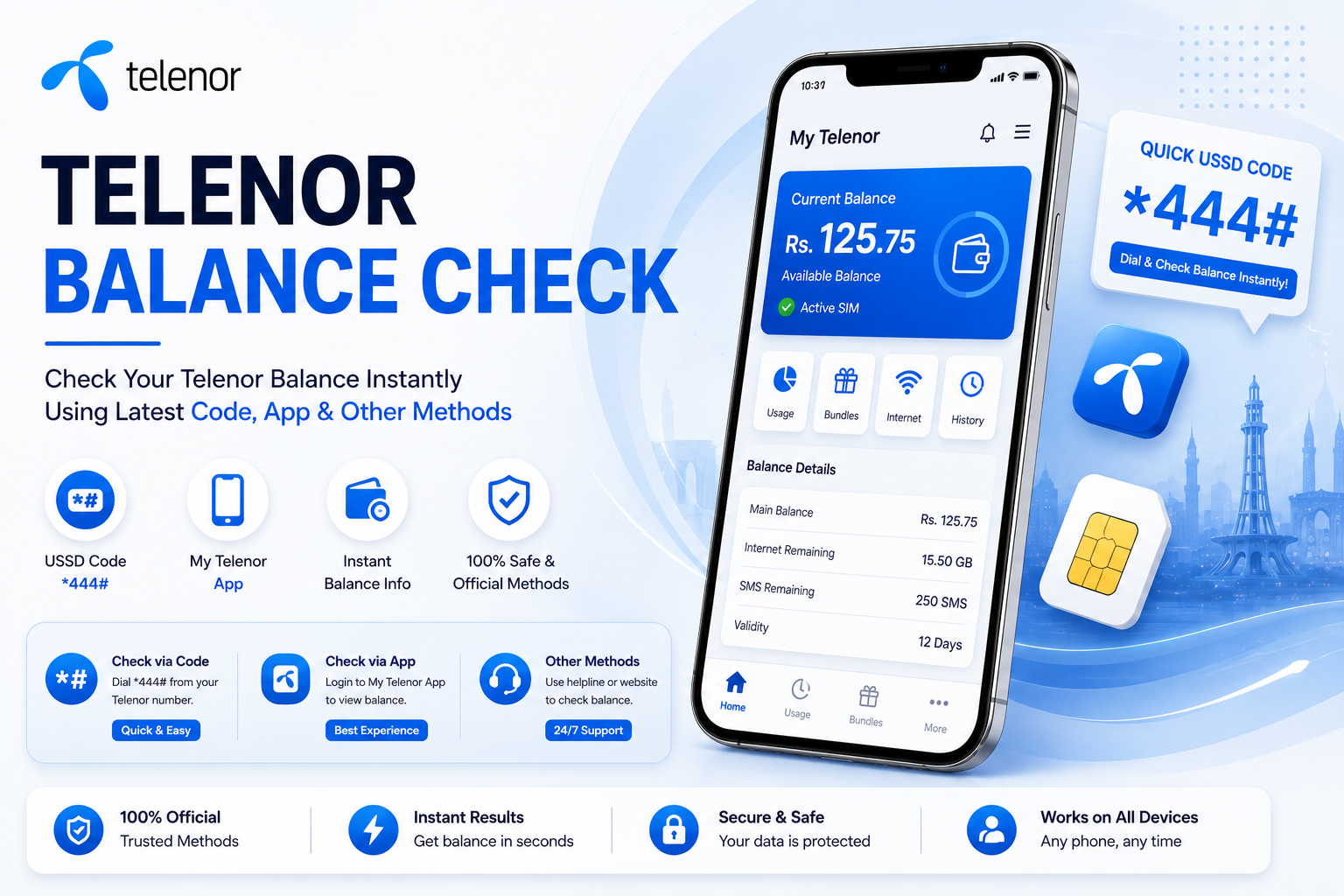
Dial this from any Telenor prepaid number to see your live account balance instantly.
What Does This Code Actually Do?
*444# is Telenor Pakistan's dedicated USSD shortcut for prepaid customers — dial it and a pop-up appears on your screen showing exactly how much credit is left, along with your package validity where applicable. It works on any handset, doesn't need mobile data, and costs a fraction of a rupee to run. You can also verify the same details on Telenor's official website.
Beyond the dial code, Telenor also lets you view the same numbers inside the My Telenor app or on the web portal — useful if you'd rather see a full breakdown of minutes, SMS, and MBs in one screen instead of a quick pop-up.
Every Way to Check Your Balance
My Telenor App
Install from the Play Store, sign in with your number, and view live usage across calls, SMS, and data.
USSD Dial Code
Fastest option — dial *444# straight from your dial pad, no internet connection needed.
Telenor Web Portal
Log into your account on the official Telenor site to view usage history and past invoices.
Easypaisa App
If your SIM is linked to Easypaisa, your remaining balance shows up right on the app dashboard.
Telenor Helpline
Stuck or unsure? Call 345 from your Telenor number and a representative can walk you through it.
All Telenor USSD Codes in One Table
These are the same short-codes used across the network for checking different parts of your account — bookmark this table so you don't have to search for a single code again.
| What It Checks | Dial Code | Approx. Charge | Who Can Use It |
|---|---|---|---|
| Main Account Balance | *444# | Rs. 0.20 + tax | All prepaid customers |
| Remaining SMS Bundle | *111# | Rs. 0.20 + tax | Pay-as-you-go users |
| Remaining Internet MBs | *999# | Rs. 0.20 + tax | Bundled & PAYG users |
| Remaining Call Minutes | *222# | Rs. 0.20 + tax | All packages |
Dialing *444# — Step by Step
Open the phone dialer app on your device.
Type in *444# exactly as shown, then hit call.
Give it a couple of seconds to reach Telenor's server.
A pop-up shows your remaining balance on screen.
This same shortcut works across every prepaid plan Telenor offers, Talkshawk and Djuice included — no separate code needed depending on your package.
Telenor Advance Balance Loan
Minutes running out mid-call with zero rupees left to top up? Telenor's advance loan feature covers you instantly — borrow a small amount against your next recharge by dialing *0#.
| Service | Dial Code | Charge | Condition |
|---|---|---|---|
| Advance Balance Loan | *0# | Rs. 4.18 (incl. tax) | Previous loan must be cleared first |
Charges & Conditions Worth Knowing
- Dialing *444# costs around Rs. 0.24 plus tax per attempt.
- Available across Pakistan around the clock, seven days a week.
- You'll need at least Rs. 0.25 in your account for the request to go through.
- Postpaid customers should instead check billing details via the My Telenor app or official website.
Want fresh Telenor Quiz answers every day? Bookmark this page or subscribe to notifications so you never miss an update.
How to Stop Balance From Disappearing
- Apps running quietly in the background are a common reason balance drops without warning.
- Activate *7799# to lock your remaining balance and prevent unwanted deductions.
- Pair that with checking your balance regularly so nothing catches you off guard.
When the Code Doesn't Work as Expected
USSD Code Not Responding
Usually a weak signal or a brief server hiccup on Telenor's end. Move to an area with better reception, restart your phone, and try again after a minute or two.
Balance Shown Looks Wrong
Give the My Telenor app a refresh, or check your SMS inbox for a confirmation message. Calling 345 can also confirm what's actually active on your account.
Helpline Call Keeps Dropping
Heavy traffic on 345 during peak hours is the usual culprit. Space out your attempts by a few minutes rather than redialing immediately.
Dual-SIM Mix-Up
On dual-SIM phones, the dial code can accidentally route through the wrong slot. Confirm you're dialing from the Telenor SIM, or briefly disable the other one before checking.
Final Words
At the end of the day, *444# remains the quickest way to stay on top of your Telenor balance in 2026 — no app download, no login, no waiting. Combine it with the app or website when you want a fuller usage breakdown, and you'll never be caught off guard mid-call again.
FAQs — Telenor Balance Check 2026
Dial *444# from your Telenor prepaid number and your current balance appears on screen within seconds.
Yes — the USSD code works over the regular network signal and needs no data connection at all.
A small fee of roughly Rs. 0.20-0.24 plus tax applies each time you dial the code.
It helps you track data consumption, catch unexpected deductions early, and recharge with confidence instead of guessing.
Now that your balance is sorted —
Take today's Telenor Quiz and win free MBs & minutes.