
Telenor Number Check Code 2026
Bought a new SIM and blanked on the number the moment someone asked for it? It happens more often than people admit — and Telenor has more than one quick fix built right into the network for exactly this situation.
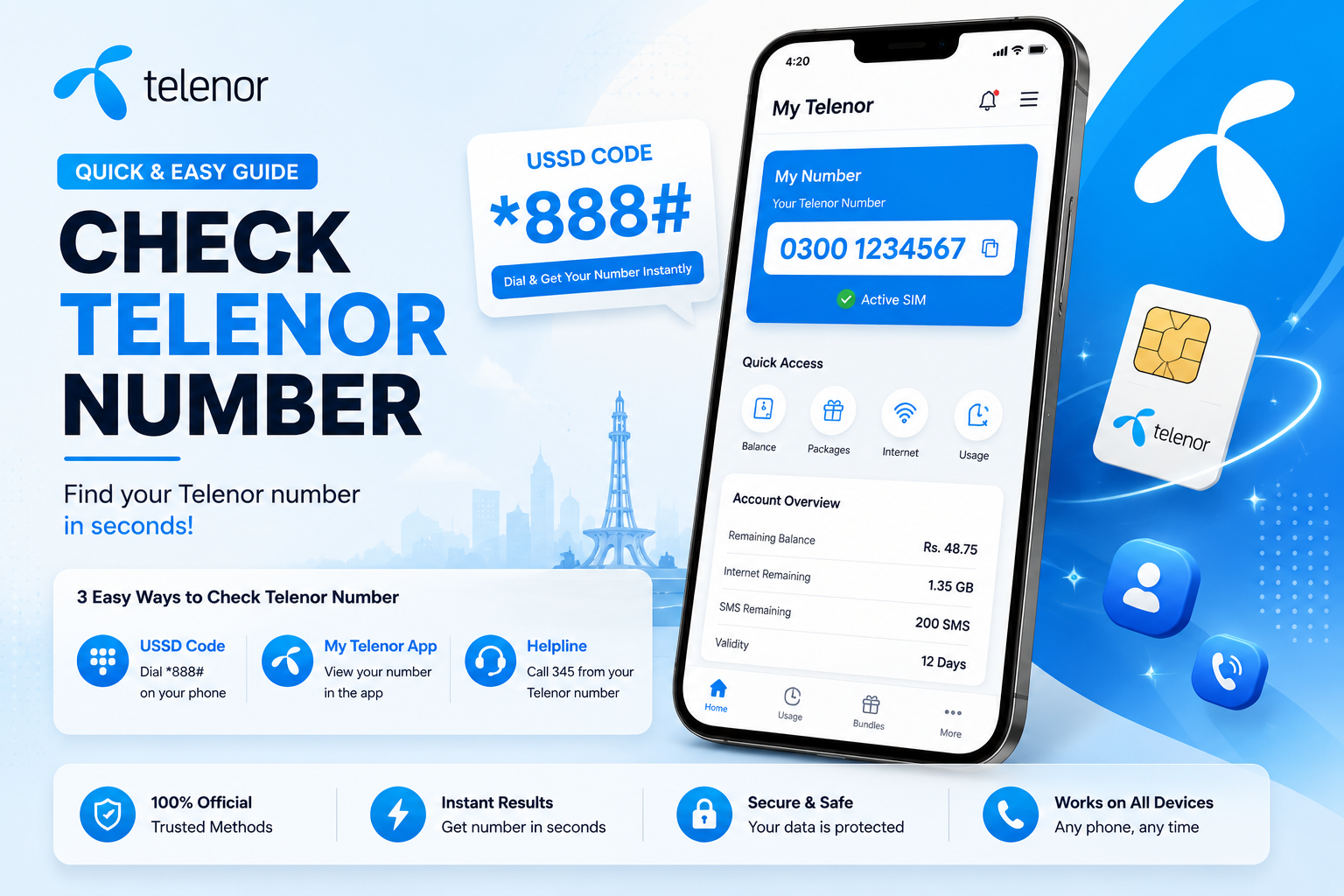
Dial this from your Telenor SIM and your own number pops up in a notification within seconds.
Why People End Up Needing This Code
Forgetting your own SIM number is far more common than it sounds — a brand-new SIM, a rarely-used secondary line, or simply a forgetful day can all leave you stuck. A few situations come up again and again:
A freshly bought SIM whose number you haven't memorized yet.
Needing to share your number with a friend or client but low on data to look it up.
The SIM is sitting in a secondary device with no display to check settings.
Bank or delivery forms asking for a number you simply can't recall on the spot.
Apps like banking platforms or Daraz needing SMS verification tied to that exact number.
Plain forgetfulness — it happens to almost everyone at least once.
6 Ways to Find Your Telenor Number
Dial the Number Check Code
The fastest route by far — works even with zero internet connection.
- Open your phone's dial pad.
- Type *8888# and press the call button.
- Your number appears in an on-screen notification within seconds.
Send a Blank SMS to 7421
Prefer typing over dialing? This shortcut works just as reliably.
- Open your messaging app.
- Send a completely blank text to 7421.
- A reply arrives showing your SIM number.
A small charge may apply, and it works best on an already-activated SIM.
Check the My Telenor App
Slightly more setup, but useful if you're already signed in on Wi-Fi.
- Download the My Telenor app from the Play Store.
- Log in using your number.
- Your number displays right on the home screen.
Check the SIM Packaging or Retailer Slip
If the SIM hasn't been inserted anywhere yet, the number is usually printed nearby.
- Look for "MSISDN" on the packaging.
- Or a line labeled "Mobile Number."
- Or simply "Your Number."
Call the Telenor Helpline (345)
The backup option when nothing above cooperates.
- Call 345 from a different Telenor number.
- Have your CNIC or SIM serial number ready.
- Ask the representative to confirm the number linked to your SIM.
Ask Someone to Call You
Old-fashioned but genuinely reliable if you have any data at all.
Message a friend on another platform, ask them to give your number a missed call, and it shows straight up on your screen.
Number Check Codes for Other Pakistani Networks
On a different SIM as well? Here's the same shortcut across the other major networks.
| Network | Dial Code | SMS Option |
|---|---|---|
| Jazz (Mobilink) | *99# or *191# | Blank SMS to 3838 |
| Zong | *100# or *310*1*9*2*4# | Send "All" to 5800 |
| Ufone | *780*3# or *1# | — |
| Warid (now Jazz) | — | Send "myno" to 6060 or "All" to 2333 |
Avoiding This Problem Next Time
- Confirm activation first — dial *777# to make sure your SIM is live, since none of the other methods work otherwise.
- Save it immediately — once you find it, store it under a contact named "My Telenor Number."
- Keep the SIM packaging — the original slip usually has the number printed for future reference.
- Keep a small balance topped up — Rs. 5-10 is usually enough for the SMS or call-based methods to go through.
- Rule out a signal issue — restart your phone or move to an area with better reception if a code isn't responding.
Want fresh Telenor Quiz answers every day? Bookmark this page or subscribe to notifications so you never miss an update.
Conclusion
Forgetting a SIM number is one of the most common small frustrations out there, and Telenor makes recovering it painless. Dial *8888# for the fastest result, or fall back on the SMS shortcut, the My Telenor app, or a quick call to a friend — one of these will always get you your number back in under a minute.
FAQs — Telenor Number Check Code
Dial *8888# for an instant notification with your number, or send a blank SMS to 7421 as a backup.
Confirm the SIM is activated with *777#, restart your phone, or call the Telenor helpline at 345 for manual confirmation.
Telenor's own number check code only reveals the number tied to your own SIM, not details of another person's line.
Visit a Telenor franchise with your CNIC, or call 345 from another number to reactivate it before trying the check codes again.
Number found — nice.
Now take today's Telenor Quiz and win free MBs & minutes.